
Setting Up IPTV in Ireland: A Step-by-Step Guide
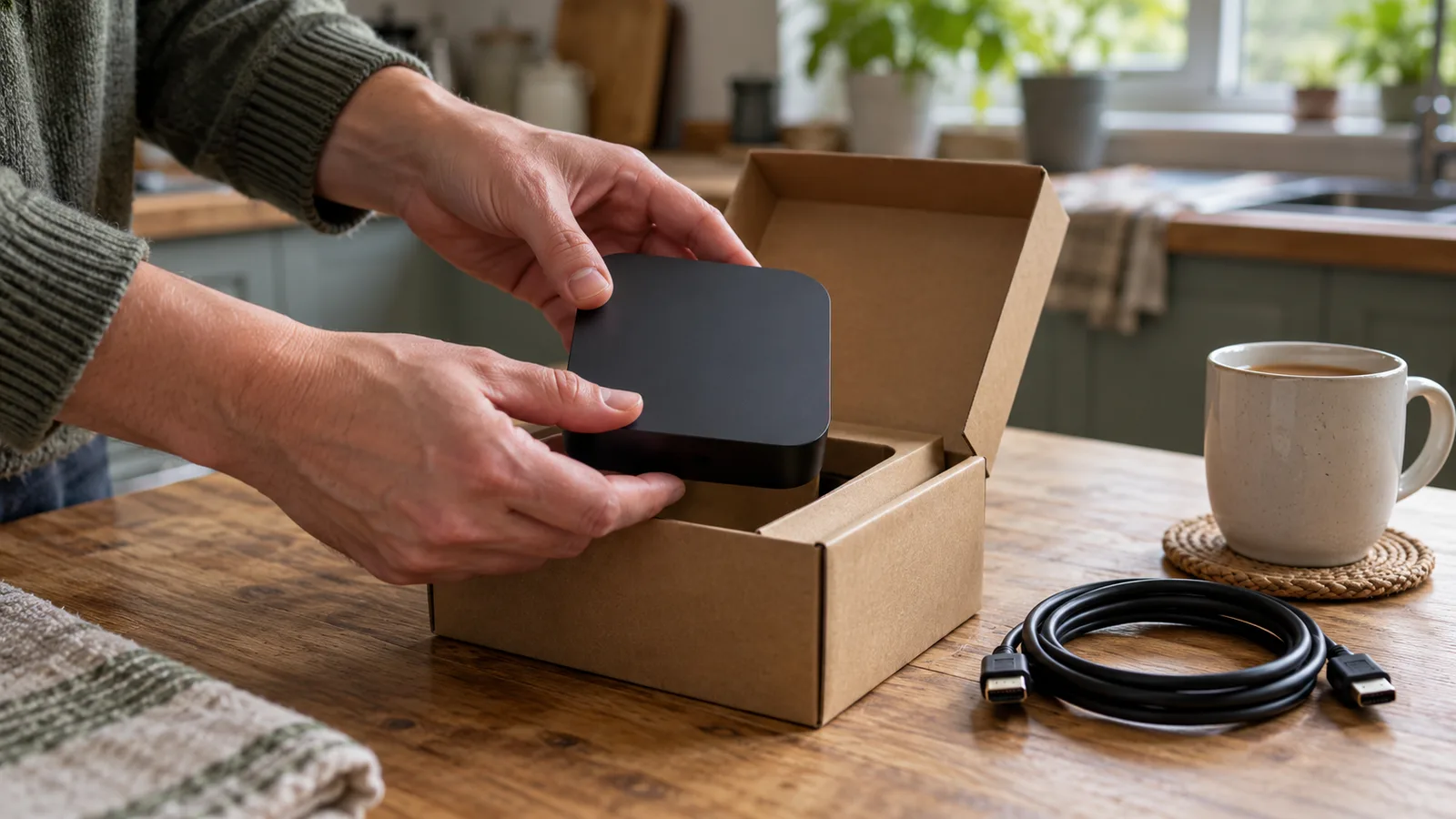
A practical guide to setting up IPTV on popular streaming devices in Ireland, covering hardware, app installation, broadband speeds and troubleshooting.
Getting IPTV working in an Irish household is straightforward once you know what hardware to connect, which apps to install and what broadband speed to have in place. The process follows the same general sequence regardless of device: plug in the hardware, join your Wi-Fi network, download the apps you need and sign in with your account credentials.
This guide walks through the full setup for each of the main streaming devices available to Irish viewers in 2026. It covers the Fire TV Stick, Apple TV 4K, smart TV built-in apps and Android TV boxes, along with the specific Irish apps you will want on each one. If you are still deciding which service to subscribe to, the Irish IPTV price comparison covers what each provider actually charges. For a broader explanation of how IPTV works, the Irish viewer's guide to IPTV covers the fundamentals.
Setting up during the sale season? Our Black Friday IPTV deals guide for Ireland covers prices and renewal terms before you order.
What you need before setting up IPTV
Before unboxing any streaming device, confirm three things: your broadband speed, your television's inputs and your Wi-Fi coverage in the room where you watch.
Broadband speed. Sky Ireland recommends a minimum of 25 Mbps for its Sky Stream service. For standard HD streaming on most apps, 10 Mbps per active stream is generally sufficient. 4K content typically needs 25 Mbps or more per stream. If your household runs multiple streams at once, you will need headroom above these minimums. Most Irish fibre broadband plans from eir, Vodafone, Sky and Virgin Media comfortably exceed these figures, but running a speed test at speedtest.net before setup confirms what is actually reaching your router rather than what the plan advertises.
Television inputs. Every streaming device in this guide connects via HDMI. If your television has only one HDMI port and it is already occupied by a games console or soundbar, you will need an HDMI switch or splitter. For 4K HDR content, the television needs an HDMI 2.0 port at minimum. The Apple TV 4K supports HDMI 2.1, which enables features such as 4K at 120 fps and eARC audio passthrough on compatible televisions.
Wi-Fi coverage. Streaming devices need a reliable wireless signal in the room where the television sits. If your router is on a different floor or behind thick walls, a wired Ethernet connection removes wireless interference from the equation entirely. The Google TV Streamer and the Apple TV 4K include a built-in Ethernet port. For the Fire TV Stick, Ethernet adapters are available separately. Poor Wi-Fi is the single most common cause of buffering that turns out not to be a provider or app problem.
Power supply. USB-powered devices such as the Fire TV Stick ship with a mains adapter. Some televisions provide enough current through their USB ports to power the stick, but Amazon recommends using the included wall adapter for consistent performance. Underpowered USB ports can cause random restarts and sluggish menus.
Streaming devices at a glance
The table below compares the main devices available to Irish viewers for IPTV use. Prices reflect typical Irish retail as of October and November 2026.
| Device | Typical price | Max resolution | Key features |
|---|---|---|---|
| Amazon Fire TV Stick 4K | From ~€40–50 | 4K UHD, HDR10+, Dolby Vision | Wi-Fi 6, Alexa voice remote, compact plug-in form factor |
| Apple TV 4K (4th gen) | €349 | 4K UHD, Dolby Vision, HDR10+ | HDMI 2.1, Wi-Fi 7, Gigabit Ethernet, Siri remote, AirPlay, Thread smart-home hub |
| Google TV Streamer | €169 | 4K HDR, Dolby Vision | 32 GB storage, built-in Ethernet, Google Assistant, Matter hub |
| Android TV box (generic) | From ~€30–80 | Varies (720p to 4K) | Open sideloading, USB ports, wide app compatibility |
| Smart TV built-in apps | No extra cost | Depends on TV panel | No additional hardware needed; app selection varies by brand and model year |
The Apple TV 4K is the most expensive option but offers the widest app support and the smoothest interface for households already using Apple devices. The Fire TV Stick is the most affordable dedicated streaming device and carries all the main Irish apps. The Google TV Streamer sits between the two in price and, like the Apple TV 4K, has a built-in Ethernet port, which eliminates Wi-Fi as a buffering variable. Generic Android TV boxes vary widely in build quality; buying from a known brand with Google Play certification ensures that apps install and update properly.
Step-by-step setup by device
The instructions below cover the physical connection, initial configuration and app installation for each device type. Once the device is connected and updated, installing apps follows the same pattern everywhere: open the app store, search for the app name, install and sign in.
Amazon Fire TV Stick
- Plug the Fire TV Stick into a free HDMI port on your television. If the port is recessed or space is tight behind the TV, use the short HDMI extender cable included in the box.
- Connect the USB power cable to the Fire TV Stick and plug the other end into the included mains adapter. Plug the adapter into a wall socket.
- Turn on the television and switch to the correct HDMI input. The Fire TV logo should appear within a few seconds.
- Pair the Alexa Voice Remote by pressing and holding the Home button when the on-screen prompt appears.
- Select your language, then choose your home Wi-Fi network and enter the password using the on-screen keyboard.
- Sign in with your Amazon account. If you purchased the device while logged in to Amazon, it may arrive pre-registered to your account.
- Allow the device to install any pending software updates. This can take several minutes and the stick will restart automatically.
- From the home screen, open the Amazon Appstore. Search for and install RTÉ Player, Virgin Media Play, GAA GO and any other Irish TV apps you use. Each app will prompt you to sign in with your existing account when you first open it.
Apple TV 4K
- Connect the Apple TV 4K to your television using an HDMI cable (not included). For full 4K Dolby Vision output, use a certified Ultra High Speed HDMI cable (HDMI 2.1).
- Plug in the power cable and turn on the television.
- Select the correct HDMI input. The Apple TV setup screen will appear.
- If you have an iPhone or iPad running iOS 17 or later, hold it near the Apple TV when prompted. A setup dialogue will appear on your mobile device, transferring your Apple ID, Wi-Fi credentials and preferred settings automatically. This is the fastest route.
- To set up manually instead, use the Siri Remote to select your Wi-Fi network, enter the password, and sign in with your Apple ID.
- Choose your preferences for screensaver, Siri voice search and location services.
- Open the App Store from the home screen. Search for RTÉ Player, GAA GO, Sky Go (if you have a Sky subscription), Virgin Media Play and any streaming services you use. Install each one and sign in.
eir TV subscribers receive either an Apple TV 4K or an Android TV box as part of their eir Fibre Broadband package. The eir TV app comes preinstalled on the supplied device, so eir customers do not need to set up a separate streaming device for their television service.
Smart TV built-in apps
- Connect your smart TV to your home Wi-Fi network through the television's Settings menu. The option is usually under Network, Internet or Wi-Fi depending on the brand.
- Open the television's built-in app store. On Samsung TVs this is Samsung Apps; on LG it is the LG Content Store; on Sony, Philips, TCL and other Android TV or Google TV models it is the Google Play Store.
- Search for the app you want. RTÉ Player, Virgin Media Play and most major streaming services are available on Samsung (Tizen), LG (webOS) and Android TV/Google TV platforms. App availability on older television models may be limited.
- Install the app, open it and sign in with your account credentials.
- If a specific app is not available on your television's platform, adding an external streaming device such as a Fire TV Stick or Apple TV 4K resolves the gap without replacing the television.
Android TV box
- Connect the Android TV box to your television with an HDMI cable and plug in the power adapter.
- Turn on the television and select the correct HDMI input.
- Pair the included remote when prompted, usually by pressing and holding a button indicated on screen.
- Connect to your Wi-Fi network and sign in with a Google account.
- Open the Google Play Store and search for your apps. On Google Play certified boxes, all major Irish TV apps should appear in search results. On uncertified boxes you may need to sideload APK files manually, which is less reliable and means apps will not receive automatic updates.
Whichever device you choose, the key Irish apps to install are RTÉ Player (free, live and catch-up RTÉ channels), Virgin Media Play (free, live Virgin Media Television and on-demand), GAA GO (for GAA+ Championship matches at €95 per season or €15 per match) and the app for any paid service you subscribe to. Sky Ireland subscribers use Sky Stream or Sky Glass as their primary device, with Sky Go available on mobile and selected platforms as a secondary screen. For a full rundown of app compatibility across devices, the best IPTV apps page has the detail.
Troubleshooting common setup problems
Most IPTV setup issues in Irish households fall into a handful of categories. Before contacting your provider's support line, work through these checks.
Buffering or stuttering video. Run a speed test on the device itself (most smart TVs and streaming devices have a browser or a speed test app). If the result is below 10 Mbps, the problem is your local network rather than the app or provider. Move the router closer, switch from the 2.4 GHz Wi-Fi band to 5 GHz for less interference, or connect via Ethernet. Restarting the router often resolves temporary congestion, particularly if it has been running for weeks without a power cycle.
App not available in the store. Some apps are region-restricted. If an Irish app does not appear in search results, check that your device's region or country setting is set to Ireland. On Fire TV, this is under Settings, Preferences, Country/Region. On Apple TV, it follows your Apple ID's country setting. On Android TV, it follows the Google account's country.
EPG (electronic programme guide) not loading or showing incorrect times. EPG data is pulled from the provider's servers. If the guide shows wrong times, check that your device's time zone is set to Dublin (GMT/IST). Most devices set this automatically, but a manual override to the wrong zone will shift every listing. If the EPG is blank, the provider may be experiencing a temporary server issue; wait an hour and reopen the app.
No picture after connecting the device. Confirm you have selected the correct HDMI input on your television. Try a different HDMI port and a different HDMI cable. If the device powers on (LED indicator lit) but the television shows no signal, the cable or port is the most likely cause. On older televisions, a 4K device may need its output resolution reduced to 1080p in the device's settings before it will display on a non-4K panel.
Audio but no video, or video but no audio. This usually indicates a mismatch between the device's output settings and the television's capabilities. On Apple TV 4K, go to Settings, Video and Audio, and set the format to match your television. On Fire TV, hold the rewind and menu buttons for five seconds to cycle through display resolutions until the picture appears.
If none of these steps resolve the issue, note the exact error message or behaviour, the device model and the app version, and contact the relevant provider's support. Having those details ready shortens the conversation considerably.
Frequently asked questions
What broadband speed do I need for IPTV in Ireland?
For a single HD stream, 10 Mbps is generally sufficient. Sky Ireland recommends 25 Mbps for its Sky Stream service. 4K streaming typically requires 25 Mbps or more per stream. Households with multiple people streaming simultaneously should aim for at least 50 Mbps to avoid buffering. Most Irish fibre plans exceed these thresholds, but a speed test confirms what your connection actually delivers.
Which streaming device is best for watching Irish TV?
The Fire TV Stick 4K offers the best value starting from around €40–50 and supports RTÉ Player, Virgin Media Play, GAA GO, Sky Go and all major streaming apps. The Apple TV 4K has a wider app selection and a smoother interface but costs €349. The Google TV Streamer and the Apple TV 4K both have built-in Ethernet, which is useful for households with poor Wi-Fi. Any of the three will handle every major Irish TV app. See the IPTV apps guide for full compatibility details.
Can I watch RTÉ Player on a Fire TV Stick?
Yes. RTÉ Player is available as a free app in the Amazon Appstore for Fire TV devices. Search for "RTÉ Player", install it and open it. No subscription or account is needed to watch most of the available content, which includes live RTÉ channels and catch-up programmes.
Do I need a satellite dish for Sky Ireland?
No. Sky Ireland's current TV packages run on Sky Stream or Sky Glass, both of which deliver television over a broadband connection. No satellite dish is needed. Sky recommends a minimum broadband speed of 25 Mbps. This is a change from Sky's older satellite-based setup, so existing customers who switch to Sky Stream can have the dish removed.
How do I fix buffering when streaming IPTV?
Start by running a speed test on the device you are using. If speeds are below 10 Mbps, the issue is your local network. Switch from 2.4 GHz to 5 GHz Wi-Fi, move the router closer to the television, or connect via Ethernet using an adapter or a device with a built-in Ethernet port such as the Google TV Streamer. Restart your router if it has not been power-cycled recently. If speeds test fine but the problem persists in a single app, the issue is likely on the provider's side.
Is Saorview an alternative to IPTV for Irish viewers?
Saorview is Ireland's free-to-air digital television platform. It delivers RTÉ, TG4 and Virgin Media Television channels through an aerial and a compatible receiver with no internet connection and no monthly fee. It is not IPTV because it does not use a broadband connection, but it provides a baseline of Irish television at no ongoing cost. Many households use Saorview alongside an IPTV device to ensure they always have access to free-to-air channels even during a broadband outage.
Setting up IPTV in an Irish household comes down to choosing the right device for your budget, confirming your broadband can handle the streams you need and installing the apps for your subscriptions. Gealara's subscription plans are built for Irish viewers who want a straightforward service without long contracts. For a wider look at the Irish IPTV landscape including providers, pricing and legal considerations, the Gealara homepage is the starting point.
Prefer to ask first? Chat on WhatsApp
24-hour trial
Check the service on your own device first.
7-day money-back guarantee
Seven days to ask for your money back.
24/7 support
Setup and viewing help, day or night.
No minimum term, no hidden fees
No minimum term, and nothing added later.
How it works
- 1
Choose a plan
Pick how long you want and how many devices watch at once.
- 2
Tell us how to reach you
Leave your details and we reply with setup instructions.
- 3
Start watching
Set it up on the device you already own using our guide.
Stated plainly
How the price is set
The length and the number of devices set the price. It is shown before you enquire, and nothing is charged on this site.
If you need help
Support is reachable around the clock. Setup questions are answered with a written guide for your device.
Trial and refund
A 24-hour trial is available, and a 7-day money-back guarantee applies.
Check before you commit
Check that your device is supported and your connection is steady. A VPN is not required; you may use one if you prefer.
Common questions
What do I need before I start?
A device you already own and a steady internet connection. What we supply is the subscription and a written setup guide.
Is there a trial?
Yes. A 24-hour trial is available, so you can check the service on your own device first.
Can I get my money back?
A 7-day money-back guarantee applies.
Is there a minimum term?
No. There is no minimum term and there are no hidden fees.
Do I need a VPN?
No. A VPN is not required. You may use one if you prefer.
What happens after I send an enquiry?
We reply with the plan that fits and the setup steps for your device. The form is an enquiry, not an order, and nothing is charged on this site.

Ready to see the plans?
Tell us which device you watch on and how many devices you want to use at once. We reply with the plan that fits and the setup steps. It is an enquiry, not an order.
- 24-hour trial
- 7-day money-back guarantee
- No minimum term, no hidden fees
- 24/7 support